Skip to product information
1 of 15

Busy Bugs

Build Your Own Clickie

Build Your Own Clickie

Build Your Own Clicker Bar

Make it yours, one click at a time! Our Build Your Own Clicker Bar lets you create a fidget that's completely unique to you.

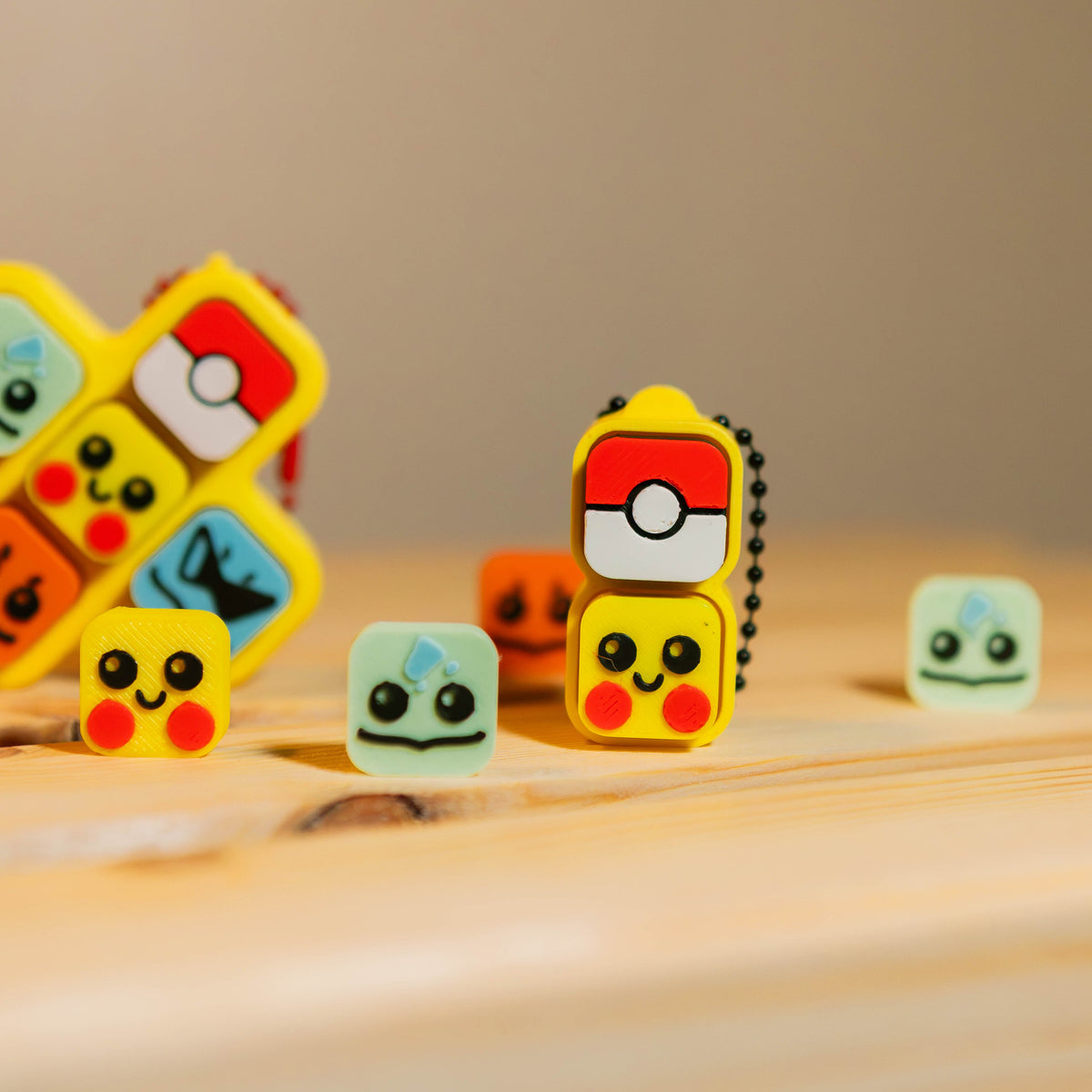
Choose your base size and style, pick your favorite colors, then customize each key with letters, numbers, fun shapes, symbols, or a Marshmallow keycap. Spell your name, create a word, mix your favorite icons, or make something totally random — there are tons of combinations to choose from!

Each clicker is 3D printed in-house and made to order just for you.

Customize your clicker:

  • Choose from 1–10 keys
  • Pick a color
  • Mix and match keycap colors
  • Choose letters A–Z, numbers 0–9, shapes & symbols
  • Choose from Straight, Vertical & specialty Groovy base styles
  • Preview your creation as you build it

Please note: Due to the 3D printing process, slight layer lines and small variations are normal and make each piece uniquely yours.

WARNING: CHOKING HAZARD — Small parts. Not intended for children under 3 years old. Adult supervision is recommended.

View full details

MAKE IT YOURS

Build Your Clicker Bar

Start with a name or build from scratch. Then make every key completely yours.

YOUR CLICKER

Tap a key to customize it.

STEP 1 OF 4

Choose your base

Pick a size, style, and color — or type a name and let us start it for you.

1

How many keys?

FASTEST WAY

Build It fills your name in. Pick For Me also chooses a fun mix of colors for your base and keys — you can change anything afterward.

2

Choose your base style

Groovy bases have a fixed number of keys. Choosing one automatically selects the correct size.

3

Choose your clicker type

4

Choose your base color

Selected: Pink

5

CUSTOMIZING

Key 1 of 1

Choose a design and we’ll move to the next key automatically.

Keycap Color — Pink

This design uses its own fixed theme colors.

Halloween Color Style

Characters

Pokémon Letters

YOUR CLICKER

Look what you made! ✨

Your Clicker $6.00